- Summary
- Programming languages and technologies
- Usage instructions
- Screenshots
- Documentation
- Troubleshoot
- Author
Whistler is chat application.
- make account (sign up)
- login
- change password
- chat
- logout
- change color theme of chat (currently available Modern, Light, Dark, 90s)
- choose whether to be shown as online to other users
This project is implemented using C++ programming language and Qt framework. For database, MySql database is used (cloud solution). For password hashing used library Simplecrypt.
To run this project you need:
- Qt Creator
- C++11 (or higher)
1. Clone the repository
git clone https://github.com/MATF-Computer-Networks-Projects/2020_Whistler.git
2. Build
You need to build Server and Client.
2.1. Server
- Open Qt Creator
- File -> Open File or Project -> Open Server.pro from 2020_Whistler/Server/
- Right click project that is opened on the left side. Click Build.
2.2. Client
- Open Qt Creator
- File -> Open File or Project -> Open Client.pro from 2020_Whistler/Client/
- Right click project that is opened on the left side. Click Build.
3. Use
First you need to start Server (not really, but let's do that).
- In Qt Creator, right click on Server project and click Run
Now let's start Client
- In Qt Creator, right click on Client project and click *Run
1. Clone the repository
git clone https://github.com/MATF-Computer-Networks-Projects/2020_Whistler.git
2. Use
- Open cloned repository
- Open Releases folder
- Extract Whistler.rar
- Open Whistler Server/release folder
- Run Server.exe
- Open Whistler Client/release folder
- Run Client.exe


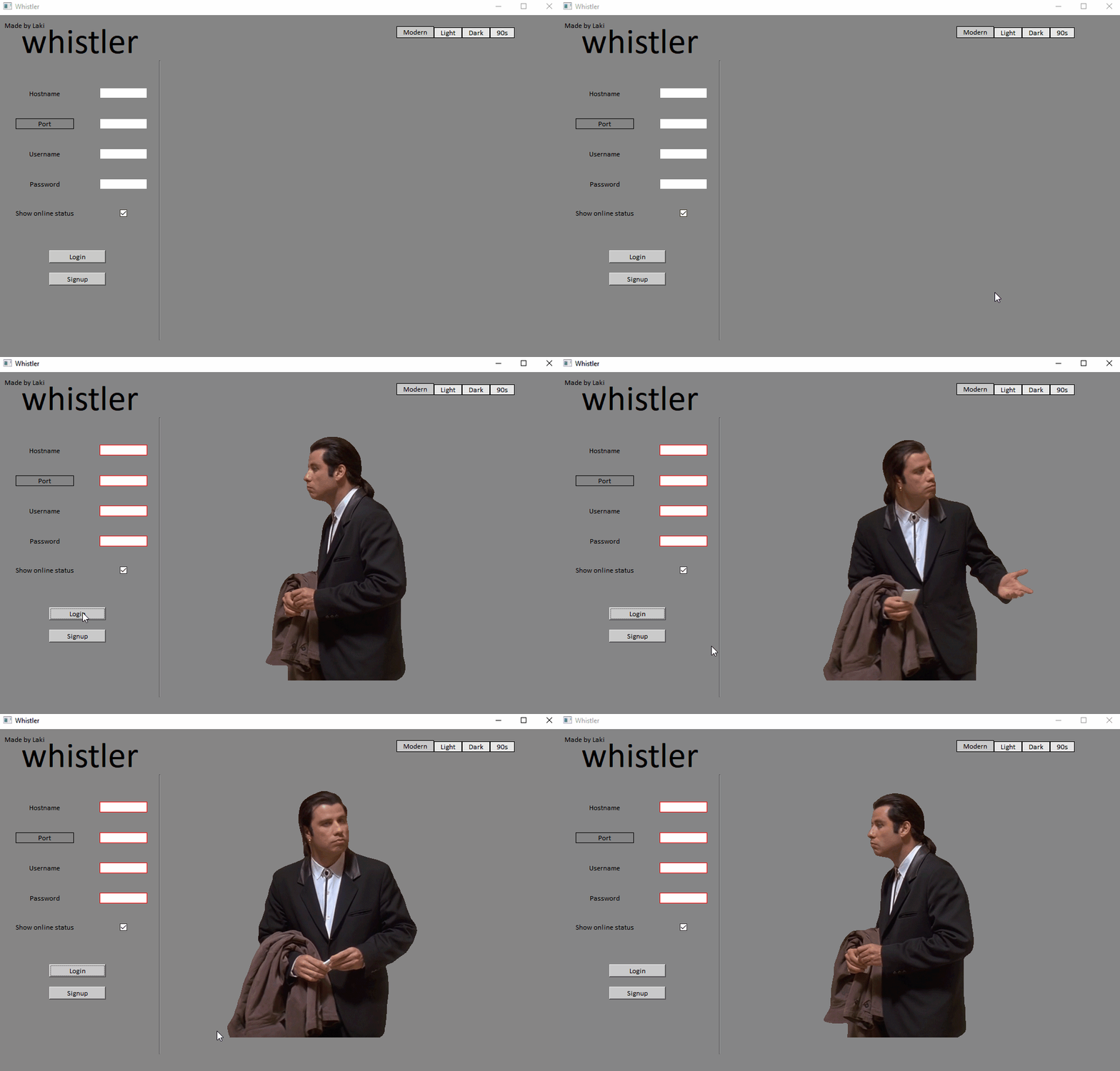
Default server parameters are:
- Hostname - localhost
- Port - 12345
Database info is stored in Server/db.txt (info is separated with $$$).
1. Labels borders red
- bad login info
- bad signup info
- bad info for change password request
2. Labels background color red
- user with username you typed is already logged in
3. Labels borders yellow
- when changing password same old password and new password
1. Labels background color yellow
- probably database not connected
2. Labels background color orange
- server crashed (after you successfully logged in)
If you are on Windows and if you are using localhost for server and can't connect to it from client, add 127.0.0.1 localhost to hosts file (C:\Windows\System32\drivers\etc).
Lazar Perisic lakiwow95@gmail.com