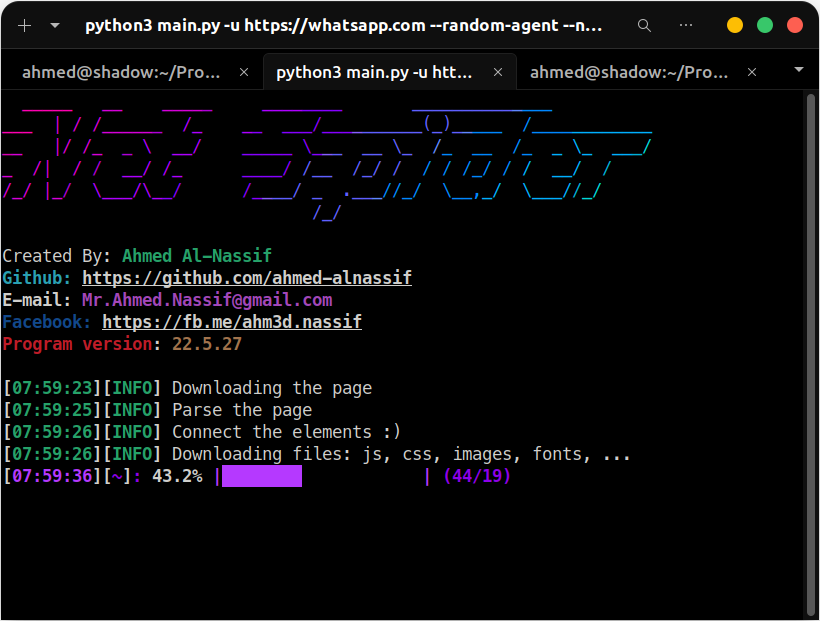
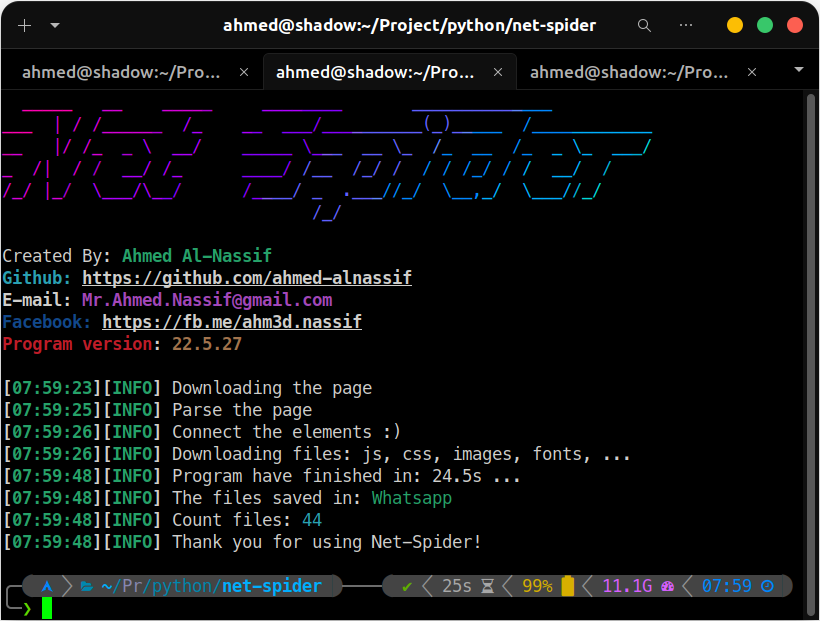
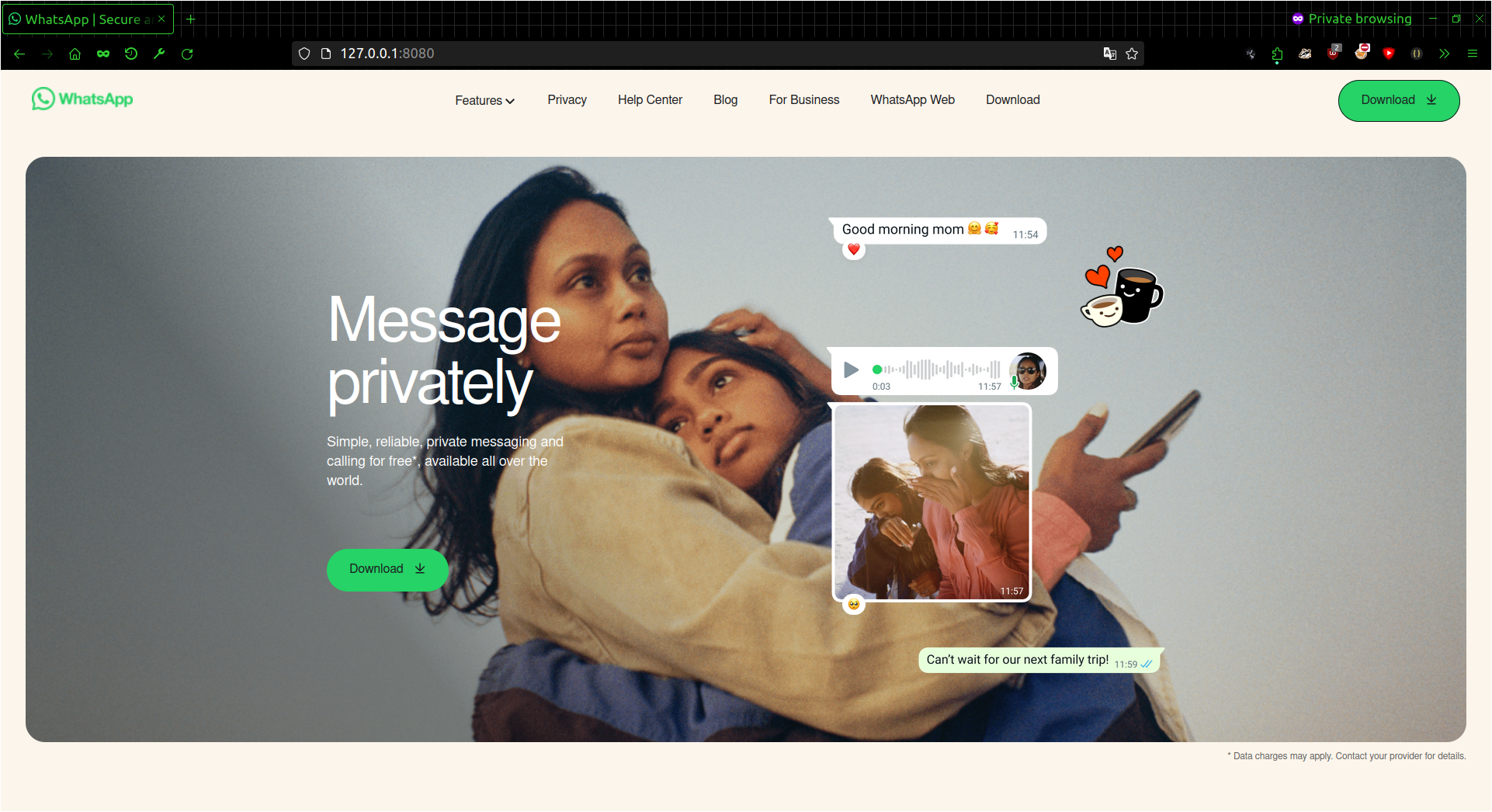
This tool scrapes the source code of an HTML page, including all the content within it, such as external files like JavaScript, CSS, images, fonts, and more. Additionally, it analyzes the CSS files and extracts any external links found within them. The tool is designed to assist developers in understanding the code used by large companies, focusing specifically on front-end development. It only retrieves front-end code and does not handle back-end or server-side code.

Packages needed for installation
sudo pacman -Syu git python python-pipsudo dnf update
sudo dnf install git python python-pipsudo apt update
sudo apt install git python python-pip -yapt update
apt install git python -yInstallation
git clone --depth=1 https://github.com/ahmed-alnassif/net-spider.gitInstallation packages python
cd net-spider
python -m pip install -r requirements.txt
# OR
python setup.py install
Run
python main.py -u [url]
# Example
python main.py -u https://example.compython main.py --help _____ __ _____ ________ ______________
___ | / /______ /_ __ ___/__________(_)_____ /____________
__ |/ /_ _ \ __/ _____ \___ __ \_ /_ __ /_ _ \_ ___/
_ /| / / __/ /_ ____/ /__ /_/ / / / /_/ / / __/ /
/_/ |_/ \___/\__/ /____/ _ .___//_/ \__,_/ \___//_/
/_/
Created By: Ahmed Al-Nassif
Github: https://github.com/ahmed-alnassif
E-mail: Mr.Ahmed.Nassif@gmail.com
Facebook: https://fb.me/ahm3d.nassif
Program version: 24.6.4
usage: python main.py -u [url]
This project designed to retrieve the source code for a web page, including front-end elements such as JavaScript, CSS, images, and fonts.
Net-Spider:
--help Show usage and help parameters
-u Target URL (e.g. http://example.com)
-d, --domain Pull links from the primary website address only
--name NAME The name of the folder in which to save the site files
--hide Hide the progress bar [----]
-v Give more output.
--page RAW Parse an HTML file and retrieve all files from it
--update Automatically update the tool
Requests settings:
--random-agent Random user agent
--mobile make requests as mobile default: PC, Note: this option will active random agent
--cookie Set cookie (e.g {"ID": "1094200543"})
--header Set header (e.g {"User-Agent": "Chrome Browser"})
--proxy PROXY Set proxy (e.g. {"https":"https://10.10.1.10:1080"})