Dotfiles, by @jm3

Dotfiles should easily installable (one-liner) on a new mac or linux server install; minimal dependencies required.
Paste this one liner into your terminal to install. Your existing dotfiles will be backed up and your new life of unix luxury will commence. Enjoy the jealous looks of your friends.
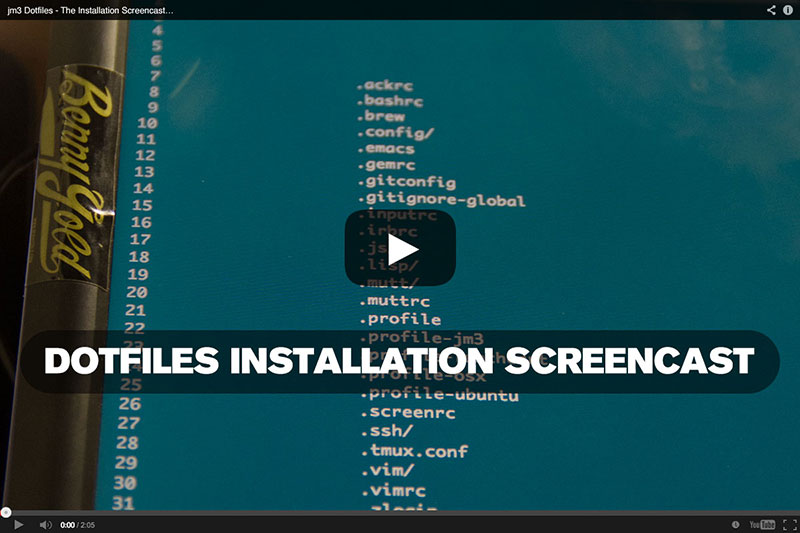

- Modular, multi-file setup; add/remove features at will without editing huge complex files.
- Zero ruby gems required (no rake, no thor, etc)
- Install with one line of code
- Re-run
dotsat any time to retrieve recent changes + plugin updates
- A preference for rebase (
autosetuprebase = alwaysis your friend) - Concise log format (
git) fits more info on screen in a legible fashion - Git mergetool pre-configured for emacs ediff, vimdiff, and Changes.app
- Rapid-fire aliases for convenience + speed:
ci(check-in),co(check-out),st(status),di(diff),dic(diff "cached", aka diff the staging area),l(log) - Visually pleasing color scheme; eliminate "angry fruit salad"
- vimscript accrued + polished over years of working alongside vim geniuses in web dev + systems / dev.ops
- all configs rewritten in 2025 in idiomatic neovim lua
- Search speedily with Jungunn's excellent fzf.vim
- Align any code structure with easy-align
- Automatically lint (asynchronously) with ALE, using the latest fork
- Highlight syntax for css, docker, javascript, json, haml, lua, markdown, pug, python, ruby, slim
- To load/unload any plugin just add the plugin's url to plugins.vim and re-run
dots. - Manage vim plugins with ease + grace; plugins refreshed from git no more than once weekly
- Navigate most recently used files with MRU (
,m) - Pretty-print minified (or otherwise ugly) HTML + JSON with
,hor,j - Small spell-check dictionary of some common developer terms
- Save useful code snippets directly to Github Gists from Vim
- Accidentally edit a file that needs to be edited with sudo? just hit
\s! - Tab-complete anything you've typed once with Supertab
- Several tasteful color schemes that are easy on the eyes: Dracula, Solarized, Gummybears, Wild Cherry
- Options: hidden, hlsearch, ignorecase, incsearch, nocompatible, smartcase, wildmenu
- A really great prompt: concise to save real estate, with git-awareness (branch/rebase) and git "dirty" status; no more typing git status
- Tab-complete bundler commands, screen session names, git branches, git tags, and hostnames
- Git aliases defined to shorten every common git command
- Aliases for navigation acceleration written to be back-compatible with bash
- Custom profiles loaded for each OS you use + host-name you want custom settings for. Override anything OS-level here.
- Options: auto_cd, auto_param_keys, auto_pushd, append_history, hist_ignore_dups, auto_list, list_ambiguous, auto_param_keys, correct, glob, glob_dots, menu_complete, interactive_comments, prompt_subst
- extended_glob is disabled; it confounds commands like
git reset HEAD^3
- Improved keybindings for navigation and buffer compilation
- If I have text selected and I start typing, replace the selection -
pending-delete-mode - When Emacs says "type yes", and i type "y", do what I mean -
(fset 'yes-or-no-p 'y-or-n-p) - Pleasing default colors + fonts
- Bonus configs + color themes for Ghostty && iTerm 2
No warranty given, express or implied. Have fun and stay safe. Copycenter license: think xerox machine; give it to everyone. All rights reserved, all wrongs reversed, no punches pulled.