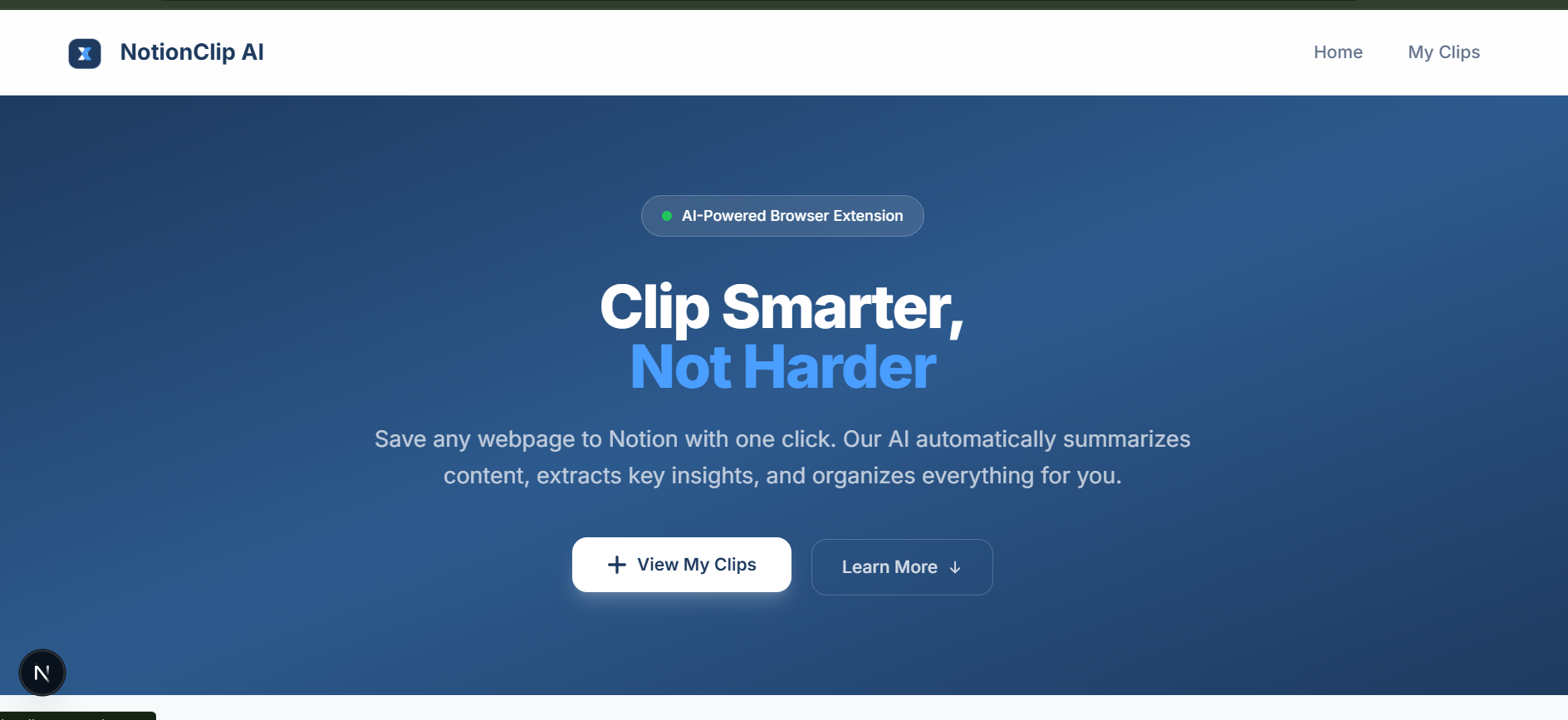
AI-powered browser extension that captures any webpage, summarizes it with Google Gemini, and saves it as a beautifully structured page in your Notion database all in one click.
We read a lot on the internet every day tutorials, documentation, blog posts, guides, and useful resources. But keeping track of all that information can be difficult. Links get lost in bookmarks, tabs stay open for days, and useful content becomes hard to find again later.
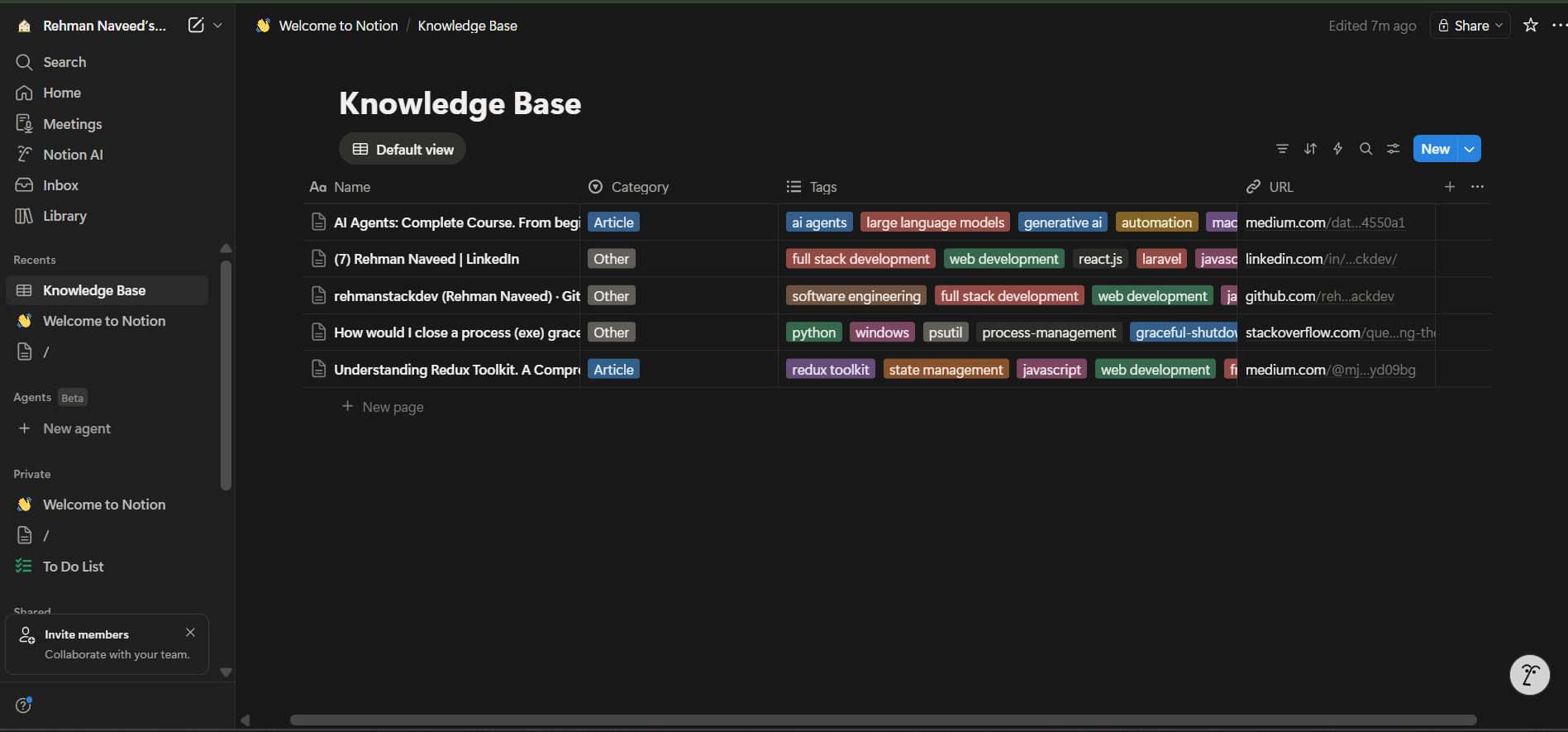
NotionClip AI solves this. It's a browser extension that lets you save any webpage directly to a Notion database with a single click.
When you find something useful online, simply click the extension. The tool captures the main content of the page and processes it using AI to generate a short summary and highlight the key insights.
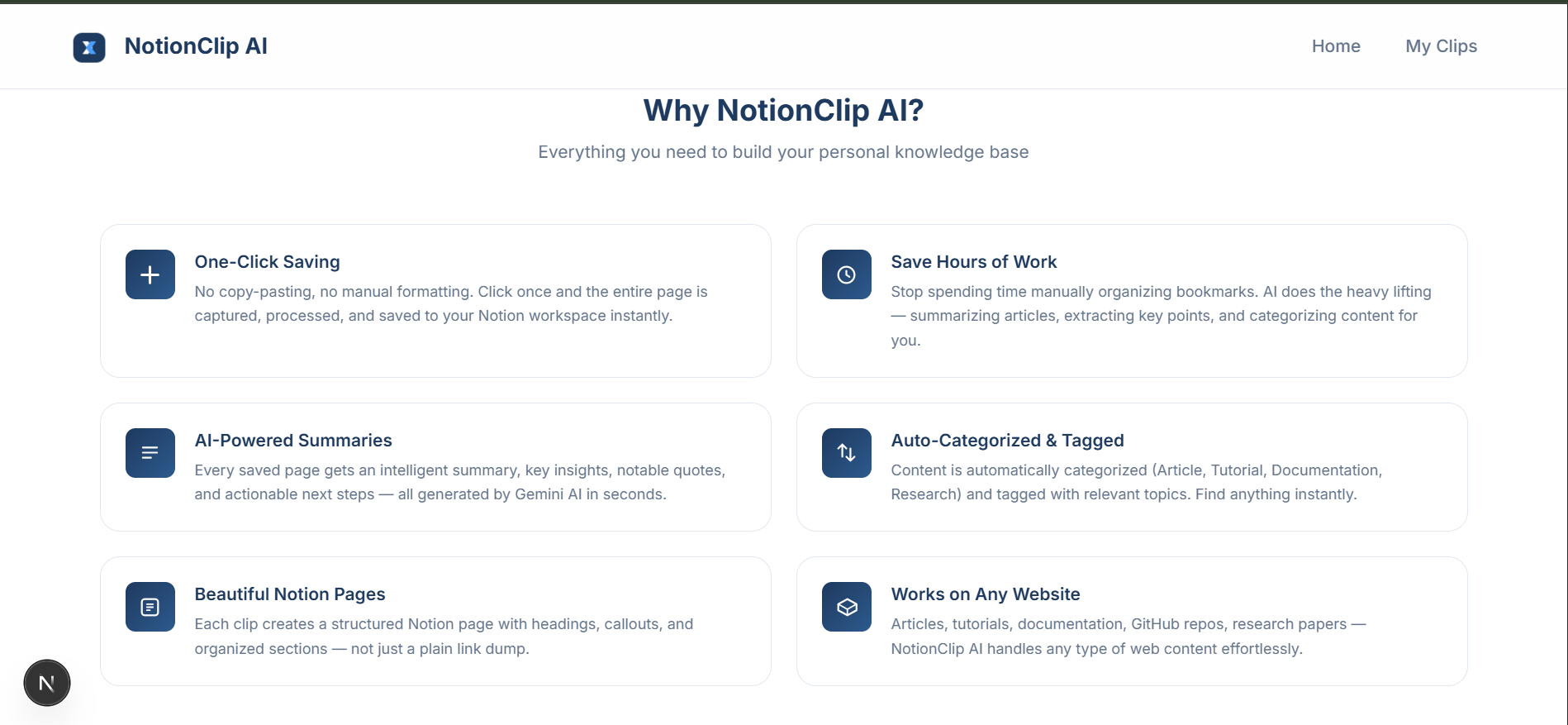
Each saved entry includes:
- A short summary of the page
- Key insights from the content
- Notable quotes
- Suggested action steps
- The original source link
- Auto-generated tags and category
| Layer | Technology |
|---|---|
| Extension | Chrome Manifest V3, Vanilla JS |
| Backend | NestJS 11, TypeORM |
| AI | Google Gemini 2.5 Flash |
| Database | Neon PostgreSQL (Serverless) |
| Knowledge Base | Notion API |
| Dashboard | Next.js 15, React 19, Tailwind CSS 4 |
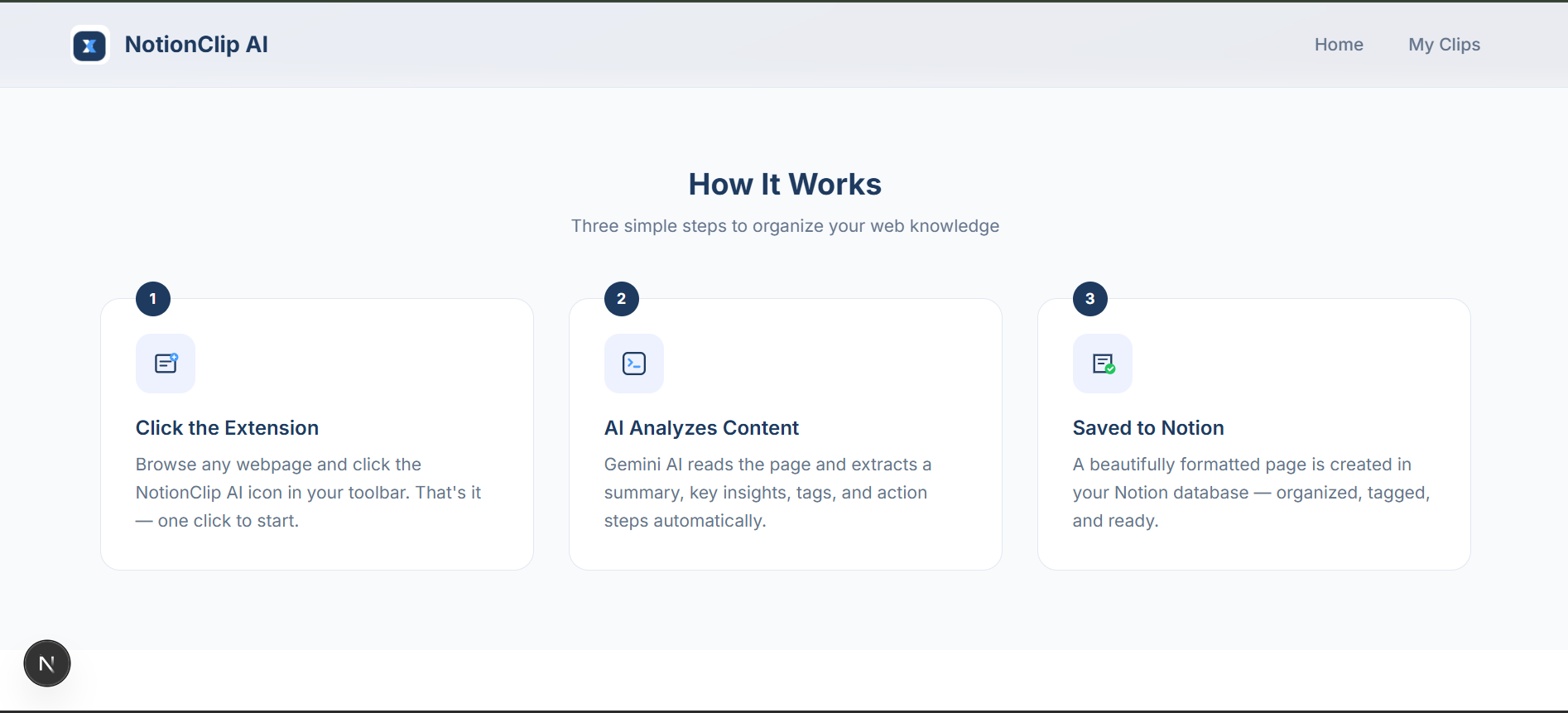
- Open a webpage that contains useful information
- Click the NotionClip AI browser extension
- The extension captures the main content from the page
- AI processes the content and generates a summary and insights
- The processed information is saved into your Notion database
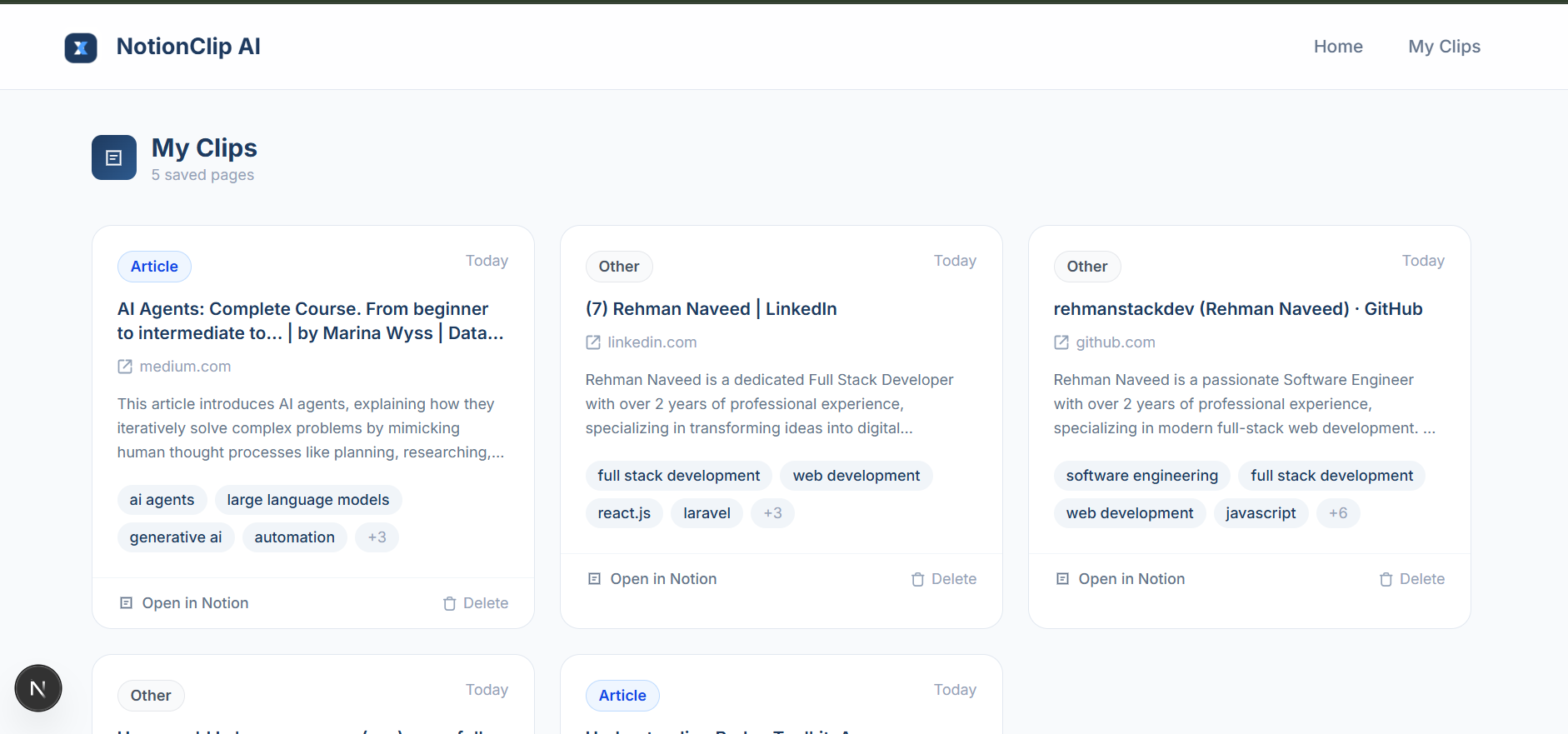
- You can view and manage saved clips from the dashboard
If you want to know more about me and my work, visit: